Key Challenges in Knowledge Management


Knowledge usually does not break all at once. It becomes harder to find, harder to trust, and harder to use as teams grow, tools multiply, and key context stays locked in people’s heads.
For many businesses, knowledge now lives across documents, support tickets, Slack threads, project boards, CRM notes, emails, and employee experience. When that knowledge is scattered or outdated, teams waste time asking the same questions, repeating work, and making decisions with incomplete context.
AI makes this problem more urgent. AI agents and automation tools can only work well when they have access to reliable, current, and well-structured knowledge. Weak knowledge management leads to weak AI output, higher operational risk, and slower work across the business.
What Is Knowledge Management
Knowledge management is the process of collecting, organizing, updating, protecting, and sharing business knowledge so teams can make better decisions and work faster.
This includes the information people use every day to serve customers, complete work, solve problems, train new employees, and make operational decisions. It can be stored in formal documentation, but it can also live in conversations, ticket histories, project notes, meeting recordings, and employee experience.
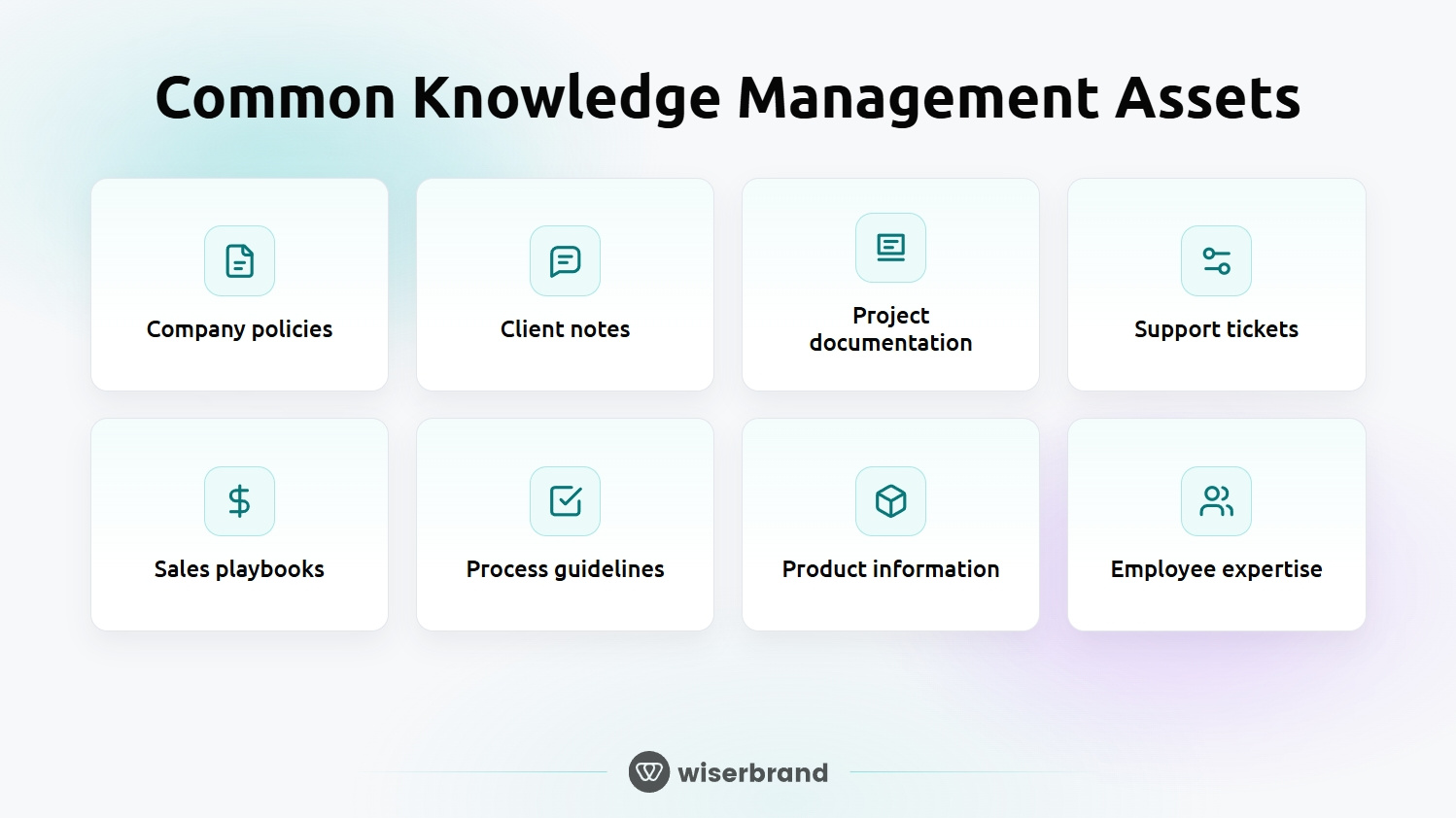
Common knowledge assets include:
- Company policies
- Client notes
- Project documentation
- Support tickets
- Sales playbooks
- Process guidelines
- Product information
- Expert knowledge from employees
Good knowledge management makes this information easier to find, understand, and trust. It also gives employees and AI systems a stronger foundation for answering questions, completing tasks, and supporting business workflows.
Why Knowledge Management Matters More Now
Knowledge management used to be treated as an internal documentation issue. Today, it affects onboarding, customer support, operational efficiency, AI readiness, and decision-making.
When employees cannot find reliable answers, work slows down. New hires need more help. Support teams repeat the same explanations. Managers make decisions based on partial context. Subject matter experts get pulled into routine questions instead of higher-value work.
The problem becomes larger when AI enters the workflow. AI agents and automation tools rely on the knowledge they can access. If that knowledge is fragmented, outdated, or poorly structured, the output will reflect those weaknesses.
Strong knowledge management gives teams a shared source of truth. It also helps AI systems retrieve the right context, follow current processes, and support employees without creating more confusion.
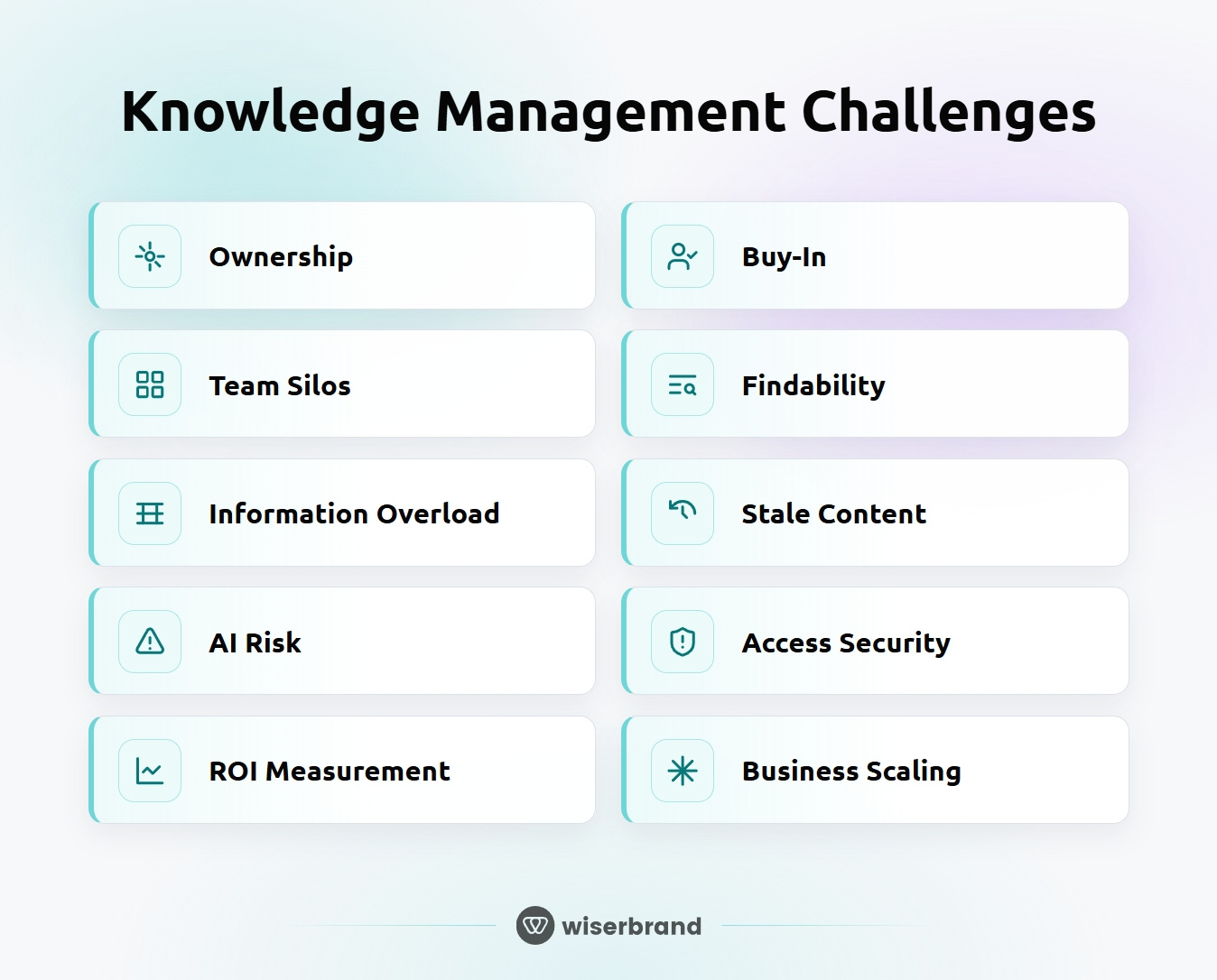
Knowledge Management Challenges
Most knowledge management problems are practical, not theoretical. The company may already have useful information, but it is spread across too many places, owned by no one, or difficult to trust.
1. Lack of Clear Ownership
Many knowledge management projects fail because no one clearly owns the system.
Teams may create documents, but ownership often stops there. No one is responsible for how knowledge is structured, when it should be updated, who can approve changes, or how employees should use it in daily work.
This creates a slow decline in quality. Pages become outdated. Folders grow without logic. Similar documents appear in different places. Employees stop trusting the knowledge base and return to asking people directly.
Clear ownership does not mean one person has to write everything. It means the business needs defined roles for:
- Knowledge structure
- Content accuracy
- Review cycles
- Access permissions
- Employee adoption
- AI-ready documentation standards
2. Getting Employee and Leadership Buy-In
Employees may avoid updating documentation because it feels separate from their real responsibilities. They may also worry that sharing their knowledge makes their role less valuable. Leadership can have a different concern: the value is harder to connect directly to revenue, cost savings, or risk reduction.
Both concerns need to be addressed early. Knowledge management should be tied to everyday work, not treated as a side project. Teams need to see that better knowledge reduces repeated questions, speeds up handoffs, and makes decisions easier.
Leadership needs a clear business case. Strong KM can support:
- Faster onboarding
- Lower support handling time
- Fewer repeated internal questions
- More consistent customer answers
- Less dependency on individual employees
- Better AI and automation results
Buy-in improves when knowledge management removes work instead of adding more of it. The process should fit into existing tools, meetings, and workflows wherever possible.
3. Information Silos Across Teams and Tools
Knowledge often gets trapped inside separate teams and systems.
Sales may store client context in the CRM. Support may keep customer issues in help desk tickets. Product teams may work in Jira. Operations may rely on spreadsheets. Managers may share decisions in Slack or email.
Each tool may serve a valid purpose, but the bigger problem is context loss. When employees cannot see the full picture, they ask for the same information again, repeat work, or make decisions based on partial data.
4. Poor Knowledge Structure and Findability
A company can have plenty of documentation and still have a knowledge problem.
If content has no clear structure, employees need to guess where information lives. They may search across folders, open several similar files, or ask a colleague because it feels faster than checking the knowledge base.
Findability should be designed, not left to search alone. Teams need a clear taxonomy, consistent page formats, useful metadata, and a simple way to identify the most current source.
5. Information Overload
Too much information can create the same problem as too little information.
Employees may have access to hundreds of pages, folders, tickets, and chat threads, but still struggle to find a clear answer. Long documents, duplicated pages, old versions, and unclear file names make people waste time checking which source is correct.
Information overload usually appears when teams keep adding knowledge but never remove, merge, or rewrite what is no longer useful. The knowledge base grows, but confidence in it drops.
This creates several problems:
- Employees avoid the knowledge base because search takes too long
- Teams ask subject matter experts the same questions again
- New hires learn from outdated materials
- Support teams give inconsistent answers
- AI tools retrieve weak or conflicting context
Knowledge management should reduce noise. That means keeping content focused, removing duplicates, archiving outdated material, and making the best answer easier to find than the old one.
6. Outdated or Inaccurate Knowledge
Knowledge loses value when people cannot trust it.
Old pricing, expired policies, outdated product details, and retired processes can spread quickly through daily work. A support agent may answer a customer using an old article. A sales rep may use outdated positioning. A manager may approve work based on a process that no longer exists.
The risk grows when outdated content looks official. Employees may not know that a document has not been reviewed in two years, especially when it appears in search results beside newer materials.
7. AI Readiness and Hallucination Risk
If internal knowledge is incomplete, duplicated, outdated, or poorly structured, AI systems may give answers that sound useful but miss important context. They may pull the wrong document, mix old and new information, or create an answer when the source material is not strong enough.
This is one reason AI readiness starts with knowledge readiness. Before a company connects AI agents to internal systems, it needs to understand what information those tools will use and how reliable that information is.
Strong knowledge management reduces these risks. It gives AI systems cleaner source material, clearer permissions, and better context for retrieval. It also helps teams decide where human review is still needed, especially for legal, financial, customer-facing, or compliance-related work.
8. Access Control and Knowledge Security
Companies often store sensitive information in the same places as everyday documentation. This can include client contracts, financial data, employee records, legal documents, security details, private customer information, and internal strategy notes.
The risk grows when knowledge systems connect to AI agents or automation tools. Without clear permissions, an AI system may retrieve information that should be restricted. It may also expose sensitive context in summaries, answers, or workflows used by the wrong audience.
Knowledge security should cover:
- Role-based access
- Clear permission rules
- Approval workflows for sensitive content
- Audit trails
- Data retention rules
- Restrictions for AI access
- Human review for high-risk outputs
Good security does not mean locking everything away. It means giving people and systems the right level of access for the work they need to do.
9. Measuring Knowledge Management ROI
Knowledge management ROI can be hard to measure because the value often appears across many small improvements.
A better knowledge system may not create a single obvious revenue event. Instead, it reduces search time, repeated questions, onboarding delays, support escalations, process mistakes, and dependency on specific employees.
The mistake is measuring KM only by the number of documents created. More content does not mean better knowledge management. A large knowledge base can still fail if employees cannot find answers or trust what they find.
Better metrics include:
- Time saved searching for information
- Fewer repeated internal questions
- Fewer escalations to subject matter experts
- Reduced process errors
- Higher use of approved knowledge sources
- Better AI answer accuracy
The strongest ROI case connects knowledge management to business workflows. For example, if support agents answer questions faster, the company can reduce handling time. If new hires ramp up sooner, teams become productive faster. If AI tools retrieve better context, employees spend less time correcting weak output.
10. Scaling Knowledge Management Across the Business
Knowledge management becomes harder as more teams, tools, and data sources are added.
A small team can often manage knowledge through shared folders, informal rules, and direct communication. That breaks down when the business grows. More people create content. More tools store context. More teams need different levels of access. More workflows depend on the same information being accurate.
Scaling KM requires standards that are simple enough for teams to follow. Without them, each department builds its own version of the truth.
The goal is not to control every document. The goal is to create enough structure so knowledge stays useful as the business changes.
How to Solve Knowledge Management Challenges
Knowledge management improves when it becomes part of how work happens, not a separate documentation project.
Start With a Knowledge Audit
Start by mapping the main knowledge sources across the business. This may include shared drives, internal wikis, CRM notes, support tickets, project tools, spreadsheets, Slack threads, and documents owned by individual teams.
The audit should answer practical questions:
- What knowledge do employees use most often?
- Where do people go when they need answers?
- Which documents are outdated, duplicated, or unused?
- Which information is missing from the knowledge base?
- Which content is sensitive or restricted?
- Which workflows depend on accurate knowledge?
The goal is to find the areas where poor knowledge creates the highest cost, such as support delays, onboarding gaps, repeated internal questions, process errors, or weak AI output.
Create a Clear Knowledge Structure
Define how information should be grouped, named, tagged, reviewed, and connected. Without this, teams keep adding documents, but the system becomes harder to use over time.
A clear structure should cover:
- Main categories for business knowledge
- Naming rules for documents and folders
- Standard page templates
- Tags or metadata for easier search
- Links between related materials
The structure should be simple enough for employees to follow without extra training. If the system is too complex, people will avoid it or create shortcuts outside the official process.
Connect Knowledge Sources Instead of Replacing Everything
Many companies already have useful knowledge across CRM records, help desk tickets, project tools, shared documents, and internal chats. Replacing every system can create more work than value. A better approach is often to connect the sources that matter most and define what each tool is responsible for.
For example, customer history may stay in the CRM. Support answers may stay in the help desk. Project decisions may stay in the project management tool. The knowledge management layer should make this information easier to access, connect, and reuse.
Connecting knowledge sources also reduces duplicate work. Teams do not need to rewrite the same information in multiple places. They need a reliable way to find the right source, understand its context, and know that it is current.
Use AI Carefully
AI can make knowledge easier to access, but it should not be added on top of a weak knowledge base without preparation.
Before using AI for internal search, support workflows, onboarding, or process automation, companies need to check the quality of the knowledge the system will use. If the source material is outdated, duplicated, or unclear, AI will only make those problems faster and more visible.
A safer approach is to start with focused use cases. For example, AI can help employees find approved policy answers, summarize support history, draft internal documentation, or route questions to the right knowledge owner.
AI should also help improve the knowledge base itself. It can identify duplicate content, flag outdated pages, suggest missing documentation, and show which questions employees ask most often.
The best results come when AI supports a governed knowledge system. It should not replace ownership, review cycles, or security rules.
Final Words On Knowledge Management
Knowledge management works best when it is treated as an operating system for the business, not a documentation task.
Companies do not need to fix everything at once. The best first step is to find where poor knowledge creates the highest cost. That may be customer support delays, slow onboarding, repeated internal questions, compliance risk, or weak AI output.
From there, improvement becomes more practical: assign ownership, clean up the structure, connect key systems, protect sensitive data, and build review cycles that keep knowledge useful over time.