Salesforce Automation Best Practices: Streamlining Your Pipeline for Maximum Revenue

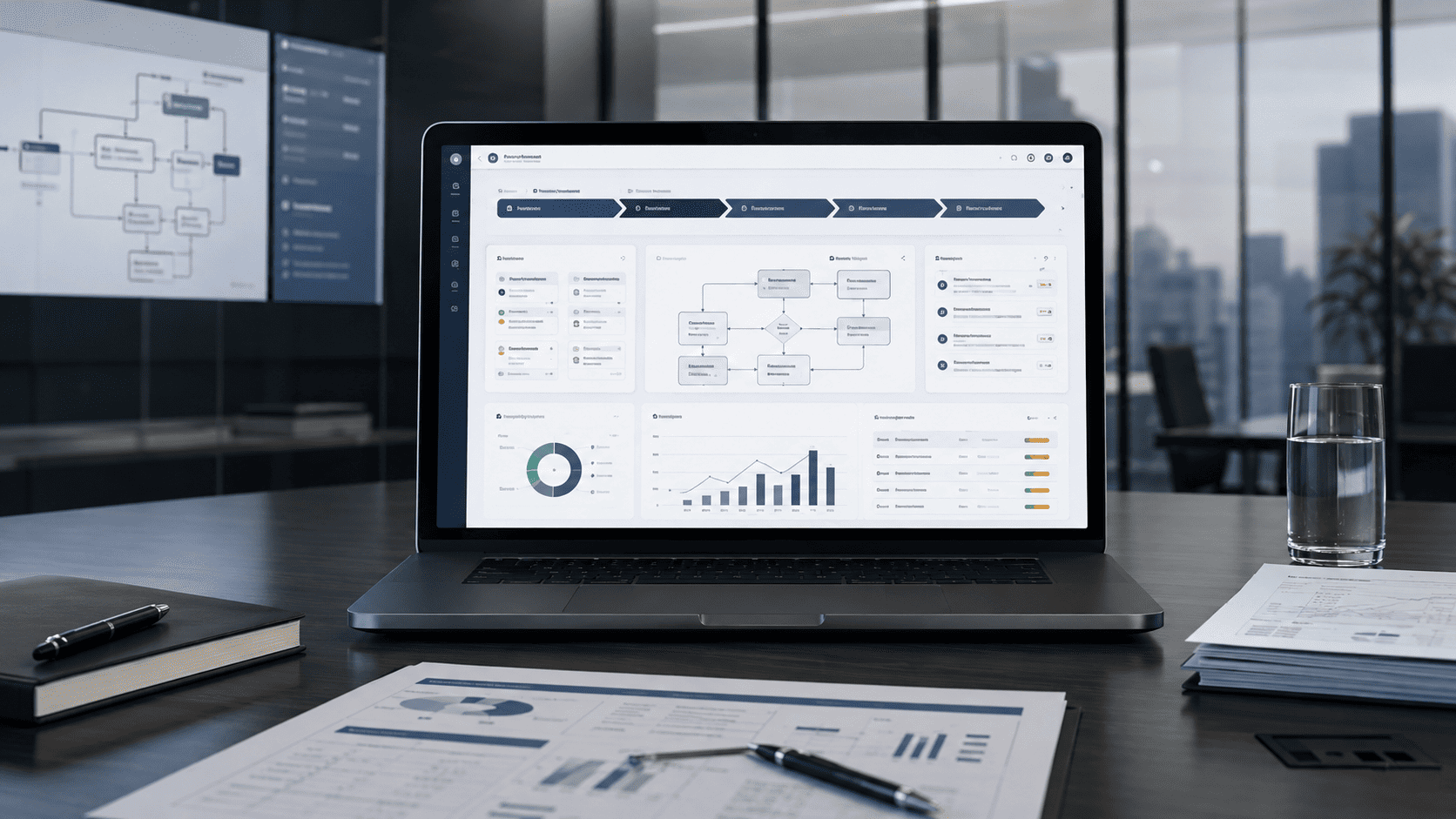
Salesforce automation should help revenue teams move faster without losing control of the pipeline. The goal is not to automate every sales action. The goal is to remove avoidable admin work, keep data clean, and make the next best step clear for every lead, opportunity, account, and renewal.
A strong automation setup gives sales reps fewer manual updates and managers better visibility. Leads get routed faster. Follow-ups happen on time. Deal risks surface earlier. Approvals move with less friction. Forecasts become easier to trust because the CRM reflects the real sales motion.
Salesforce gives teams several ways to automate work, including Salesforce Flow, Sales Engagement cadences, Einstein Activity Capture, Conversation Insights, approvals, and integrations. The value comes from how those capabilities are designed around the pipeline.
This guide explains Salesforce automation best practices for scaling pipeline operations, improving sales productivity, and protecting revenue quality as the team grows.
What Salesforce Automation Means for Revenue Teams
Salesforce automation is the use of rules, flows, triggers, AI-assisted insights, and connected workflows to move sales processes forward with less manual effort. It is one form of broader business process automation that can assign records, create tasks, update fields, send alerts, request approvals, capture activity, and connect Salesforce with other systems.
For revenue teams, automation usually supports four goals:
- Faster lead response.
- Cleaner opportunity management.
- Better follow-up discipline.
- More reliable revenue reporting.
Salesforce Flow is the main automation layer for many Salesforce teams. Salesforce describes Flow as a set of no-code, point-and-click tools, including Flow Builder and Flow Orchestration, for guided visual experiences, background automations, and approval automation.
This matters because older automation patterns need attention. Salesforce says Workflow Rules and Process Builder are no longer supported as of December 31, 2025, and recommends migrating automation to Flow.
That makes Flow central to modern Salesforce automation planning. It also means teams should think beyond quick fixes. Poorly designed automation can create duplicate tasks, noisy alerts, broken handoffs, and data that looks complete but is not useful.
Good automation makes the sales process easier to follow. Bad automation adds another layer of confusion.
Why Pipeline Automation Often Breaks
Most Salesforce automation problems do not start with technology. They start with unclear process design.
A team may automate lead assignment before defining territories. It may trigger alerts before deciding which alerts need action. It may require stage fields that reps do not understand. It may build renewal workflows without deciding who owns expansion opportunities.
That creates automation that fires often but helps little.
Pipeline automation usually breaks for five reasons:
| Problem | What Happens |
|---|---|
| Weak process rules | Automation runs too broadly or misses important cases. |
| Poor data quality | Workflows act on incomplete, outdated, or duplicate records. |
| Too many alerts | Reps stop trusting notifications. |
| No exception path | Stuck records and failed actions go unnoticed. |
| No owner | Nobody knows who should maintain the automation after launch. |
The fix is to treat automation as revenue operations design, not just Salesforce configuration. Before building a flow, define the business rule. Before creating alerts, decide what action the recipient should take. Before enforcing a field, confirm that the data is needed for sales execution or reporting.
Automation should support the sales motion, not police it without context.
Salesforce Automation Best Practices
The best Salesforce automation setups are simple, specific, measurable, and maintainable. They help teams act faster while keeping humans in control of judgment-heavy decisions.
| Best Practice | Why It Matters |
|---|---|
| Start with pipeline friction | Automate work that slows revenue movement, not random admin tasks. |
| Use Flow as the main automation layer | Keeps process logic in the current Salesforce automation model. |
| Keep triggers specific | Prevents flows from running too often or on the wrong records. |
| Separate standard cases from exceptions | Lets automation handle routine work while humans review risky cases. |
| Build around owner accountability | Every automated task, alert, and approval needs a clear recipient. |
| Protect data quality | Automation depends on fields that are complete, consistent, and trusted. |
| Limit alert noise | Notifications should point to action, not every small CRM change. |
| Document each automation | Teams need to know what the automation does, why it exists, and who owns it. |
| Monitor after launch | Revenue processes change, so automations need review. |
These best practices work because sales teams do not need more CRM activity for its own sake. They need timely, useful actions that help them move deals forward.
A good rule is simple: if an automation does not help a person act faster, improve data quality, reduce risk, or increase visibility, it probably should not exist.
Pipeline Areas Worth Automating
Salesforce automation works best when it supports clear, repeatable pipeline moments. These are the areas where automation often has the strongest revenue impact.
Lead Routing and Speed to Lead
Lead routing is one of the clearest starting points. A new lead should not sit in a queue while someone decides who owns it.
Automation can assign leads based on territory, account ownership, company size, product interest, lead source, industry, or sales segment. It can also create a follow-up task and notify the owner when the lead meets high-intent criteria.
The business goal is speed with accountability. The right rep should know they own the lead, what the next step is, and when it is due.
Opportunity Stage Management
Opportunity stages should reflect real deal progress. Automation can help by requiring key fields at stage changes, creating next steps, notifying managers about stalled deals, and flagging gaps in close plans.
The mistake is over-automating stage movement. A stage should not change only because one field changed. Sales cycles often need human judgment. Automation should support stage discipline, not replace deal qualification.
Follow-Up and Sales Cadences
Follow-up is a strong fit for automation because the steps are repeatable. Salesforce Sales Engagement cadences define a series of sales outreach steps, such as calls, emails, and LinkedIn messages, and reps are prompted to complete those steps in order and on time.
Salesforce also provides automation options for Sales Engagement, including automated actions such as assigning targets to cadences, removing or pausing them, resuming them, and changing cadence assignees.
Use cadences for consistent outreach patterns, such as inbound lead follow-up, event leads, cold outreach, stalled opportunities, or re-engagement. Keep them short enough to be useful and specific enough to match the buyer context.
Activity Capture and CRM Hygiene
Salesforce data gets weak when reps have to log every email, meeting, and activity manually. Einstein Activity Capture can sync Microsoft or Google accounts with Salesforce and link email and calendar activity to relevant contacts, leads, and other Salesforce records.
This can reduce manual logging and give managers a fuller view of customer engagement. It does not remove the need for good CRM habits. Teams still need clear rules for required fields, next steps, opportunity notes, and forecast categories.
Activity capture should support CRM hygiene, not become a substitute for pipeline management.
Forecast and Deal Risk Signals
Automation can help managers spot deal risk earlier. A flow can flag opportunities with no next step, no recent activity, missing decision criteria, close dates pushed too often, or stage age above a threshold.
These signals should not be used to punish reps. They should help sales leaders coach earlier and improve forecast quality.
A useful deal-risk alert tells the owner what is wrong and what action to take. A weak alert only says that something changed.
Approvals and Deal Desk
Approvals are important when a deal includes discounting, custom terms, legal review, finance review, security review, or nonstandard delivery commitments.
Automation can route requests to the right approver, create tasks, update approval status, and notify the deal owner when the decision is complete.
The key is to keep approval rules clear. If every deal needs manual review, the process will slow revenue. If risky deals skip review, the company may create margin, legal, or delivery problems.
Renewals and Expansion
Renewal and expansion workflows often break because ownership is unclear. Sales, customer success, finance, and account management may all touch the account at different moments.
Automation can create renewal tasks before contract end dates, notify account owners about usage or engagement signals, route expansion opportunities, and flag accounts with open support or billing issues before renewal outreach.
This keeps revenue teams focused on the full customer lifecycle, not only new deals.
What to Automate and What to Keep Human
Not every pipeline action should be automated. Salesforce automation should handle repeatable steps and data movement. People should handle judgment, negotiation, and relationship context.
| Automate | Keep Human |
|---|---|
| Lead assignment | Qualification judgment |
| Follow-up task creation | Sales conversation strategy |
| Activity capture | Account narrative and next-step quality |
| Approval routing | Pricing exceptions and negotiation |
| Stalled deal alerts | Coaching and deal inspection |
| Renewal reminders | Customer relationship planning |
| Field updates from reliable rules | Complex stage decisions |
| Data quality checks | Strategic account prioritization |
This balance matters. When automation tries to make decisions without enough context, reps work around it. When automation only supports low-risk process steps, reps are more likely to trust it.
A good Salesforce automation strategy keeps humans in control where the cost of being wrong is high.
Salesforce Automation Tools and Capabilities to Know
Salesforce automation is not one feature. It is a set of capabilities that can work together across sales operations.
| Capability | Best Fit | Notes |
|---|---|---|
| Salesforce Flow | Process automation, guided screens, background actions, approvals | Main automation layer for current Salesforce builds. |
| Flow Orchestration | Multi-step workflows across people and systems | Useful when work has stages, owners, and handoffs. |
| Sales Engagement Cadences | Sales outreach sequences | Good for structured prospecting and follow-up. |
| Einstein Activity Capture | Email and calendar sync | Useful for reducing manual activity logging. |
| Conversation Insights | Call insights and coaching | Useful for reviewing sales conversations and finding next steps. |
| Approval Processes | Deal desk, finance, legal, discounting | Best for controlled review paths. |
| Apex | Advanced custom logic | Useful when no-code tools cannot handle the requirement. |
| Integrations and APIs | Cross-system workflows | Needed when Salesforce must work with external systems. |
Einstein Conversation Insights can provide insights into recorded or uploaded sales calls, including calls recorded on third-party platforms. This can help teams review conversations, coach reps, and find missed details.
Use the simplest tool that can safely solve the process. Flow is often enough for structured business rules. Apex or custom software development makes sense when the logic is too complex, the volume is high, or standard Salesforce capabilities cannot support the workflow cleanly.
Implementation Blueprint
A Salesforce automation project should start with pipeline design, not Flow Builder.
Use this process:
- Pick one revenue problem. Examples include slow inbound response, missing follow-ups, messy stage data, delayed approvals, or poor renewal visibility.
- Map the current workflow. Include the trigger, owner, data fields, systems, handoffs, exceptions, and reporting needs.
- Define the business rule. Write the logic in plain English before building anything.
- Choose the right automation type. Use Flow, cadence automation, approval processes, activity capture, Apex, or integrations based on the requirement.
- Limit the first version. Solve the standard case first. Add edge cases after the first version works.
- Test with real records. Include duplicate data, missing fields, stage changes, permission limits, and rejected approvals.
- Train users on the action. Tell reps and managers what the automation does and what they should do when it fires.
- Measure results. Compare before and after metrics.
- Review and improve. Remove unused alerts, refine rules, and adjust ownership as the sales motion changes.
This approach reduces the risk of building automation that looks useful in setup but fails in daily selling.
Common Mistakes to Avoid
The biggest Salesforce automation mistakes are easy to make because the platform gives teams many options.
Do not automate before defining the process. A flow cannot fix a sales motion that nobody agrees on.
Do not create alerts without an action. Every notification should tell someone what needs attention.
Do not require fields only because they are nice to have. Required fields should support execution, reporting, compliance, or decision-making.
Do not hide exceptions. Failed actions, missing data, stalled approvals, and broken integrations need visible owners.
Do not let every team build independently. Without naming rules, ownership, and review, automation becomes hard to trust.
Do not skip migration planning. If your org still depends on older Workflow Rules or Process Builder logic, plan the move to Flow before those automations become harder to maintain.
Do not measure success by the number of automations. Measure business impact.
How to Measure Salesforce Automation Success
Salesforce automation should be measured by pipeline outcomes, not configuration volume.
Useful metrics include:
| Metric | What It Shows |
|---|---|
| Lead response time | How fast the team acts on new demand. |
| Follow-up completion rate | How consistently reps complete next steps. |
| Stage age | Where opportunities get stuck. |
| Opportunities with no next step | CRM hygiene and deal discipline. |
| Approval cycle time | Deal desk speed and internal friction. |
| Forecast slippage | Quality of opportunity timing and inspection. |
| Activity coverage | Visibility into customer engagement. |
| Data completeness | Trust level of pipeline reporting. |
| Revenue per rep | Capacity and productivity trend. |
Choose metrics before launch. A lead-routing flow should improve speed to lead. An approval workflow should reduce approval cycle time. A renewal workflow should reduce missed renewal windows. A data hygiene automation should reduce incomplete records.
If the metric does not improve, the automation may still be useful, but it needs review.
FAQ
What Is Salesforce Automation?
Salesforce automation is the use of flows, rules, cadences, approvals, AI-assisted insights, and integrations to reduce manual work and move sales processes forward. It can assign records, create tasks, update fields, capture activity, send alerts, and route approvals.
What Is the Best Salesforce Automation Tool?
For most current Salesforce teams, Salesforce Flow is the main automation tool. Sales Engagement cadences, approval processes, Einstein Activity Capture, Conversation Insights, Apex, and integrations can support specific pipeline needs.
Is Salesforce Flow Replacing Workflow Rules and Process Builder?
Yes. Salesforce says Workflow Rules and Process Builder are no longer supported as of December 31, 2025, and recommends migrating automation to Flow.
What Pipeline Tasks Should Be Automated First?
Start with high-volume, low-risk tasks that slow revenue movement. Good examples include lead routing, follow-up task creation, stale opportunity alerts, approval routing, renewal reminders, and data quality checks.
Can Salesforce Automation Improve Revenue?
Yes, when it targets the right bottlenecks. Salesforce automation can improve revenue operations by reducing manual work, speeding up follow-up, improving data quality, reducing approval delays, and giving managers earlier visibility into deal risk.
Do Sales Reps Trust Automation?
They trust automation when it helps them sell. They resist it when it creates noise, duplicate tasks, irrelevant alerts, or required fields that do not support their work. The best automation reduces friction and gives reps clear next actions.
Do You Need Developers for Salesforce Automation?
Not always. Many workflows can be built with Salesforce Flow and standard admin tools. Developers are useful for complex logic, Apex, advanced integrations, high-volume processes, or workflows with higher risk.
Final Thoughts
Salesforce automation works best when it is built around the pipeline, not around the tool menu. Start with the revenue problem. Define the process. Keep the standard path simple. Keep risky decisions human-owned. Measure the result after launch.
For growing teams, the best starting points are usually lead routing, follow-up discipline, activity capture, deal-risk alerts, approval routing, and renewal workflows. These areas reduce administrative drag and improve pipeline control.
If your Salesforce org has grown into a mix of manual updates, noisy alerts, old workflow logic, and unclear ownership, we can help redesign the automation layer around how your revenue team actually works. That can include Salesforce Flow, cadences, approvals, data quality rules, reporting, API development for cross-system workflows, and custom development where standard setup is not enough.